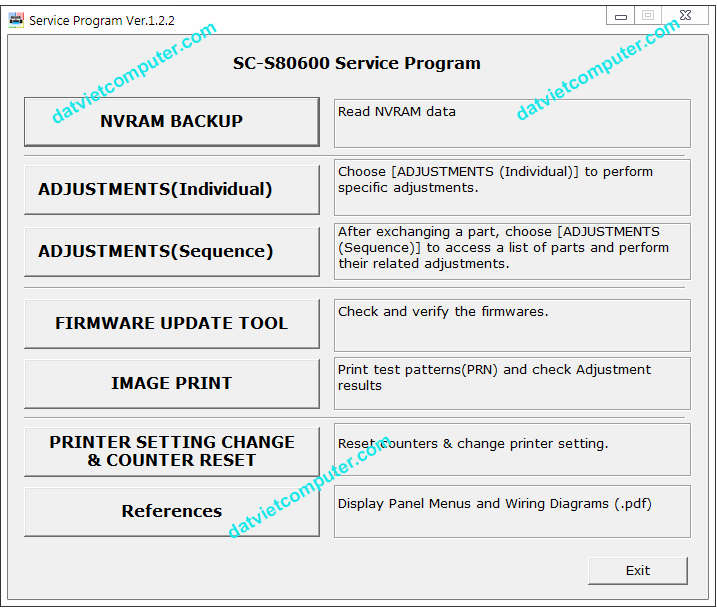

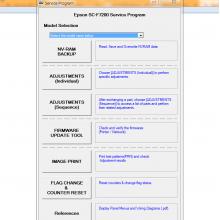
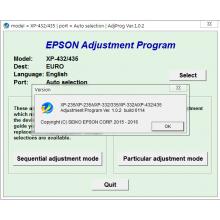
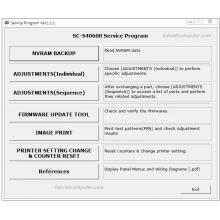
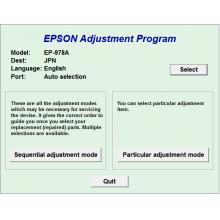
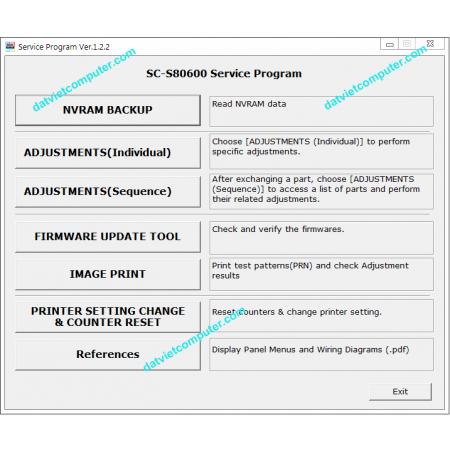
Tool Reset Epson SC-S80600 Service Program for SC-S80610 / SC-S80670 / SC-S80680
You can install it on a Windows computer. You receive one license to use this software on one computer; you cannot install it on more than one computer per purchase.
Immediate download once payment is confirmed; the software activation code will also be sent to your email.
READ CAREFULLY!
If you are unsure of the problem, do not purchase; there will be no refund!
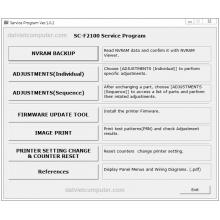
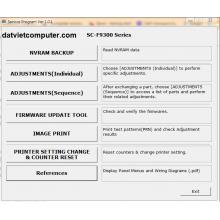
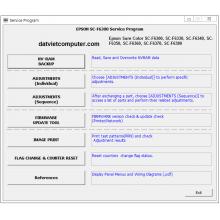
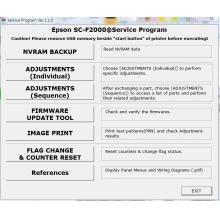
This program is used to:
- Reset internal counters (e.g., 0001, 0002, 0004, 0008, etc.)
- Display the percentage of motor wear (not damaged)
- Update the firmware (on some models)
- Enter the printhead code when it is replaced
- Troubleshoot date errors.
To use this program, you must reset and continue using the plotter. It also includes other maintenance and utility options for the plotter.
Does NOT resolve general error, ink chip errors, maintenance box, excessive wear parts, error 0010014, 1A39 or other physical failures.
Compatible with Windows XP, 7, 8, 10, 11 – XP SP3 32/64 bit
compatibility mode. Does not work on Mac. Must keep the original plotter drivers installed. And a USB cable.
Đánh giá
Nhận xét - Đánh giá