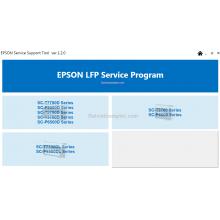
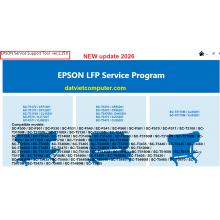
The Epson SC-S9100 Service Program Support Tool is an important technical utility for servicing the Epson SureColor SC-S9100. It provides service-level functions that can assist technicians with diagnostics, maintenance, adjustments.
- Download Epson SureColor SC-S9100 Service Adjustment Program to reset waste ink pad counters and fix service errors for SC-S9130, SC-S9140, SC-S9150, SC-S9160, SC-S9170, SC-S9180 printers.
Supported Printer Models
The SC-S9100 Service Adjustment Program supports the following Epson SureColor series printers:
- Epson SureColor SC-S9130
- Epson SureColor SC-S9140
- Epson SureColor SC-S9150
- Epson SureColor SC-S9160
- Epson SureColor SC-S9170
- Epson SureColor SC-S9180
These printers are widely used in signage production, banner printing, textile sublimation, and commercial graphic applications. Since they share similar hardware architecture and firmware structures, the SC-S9100 adjustment tool is designed to service them efficiently.
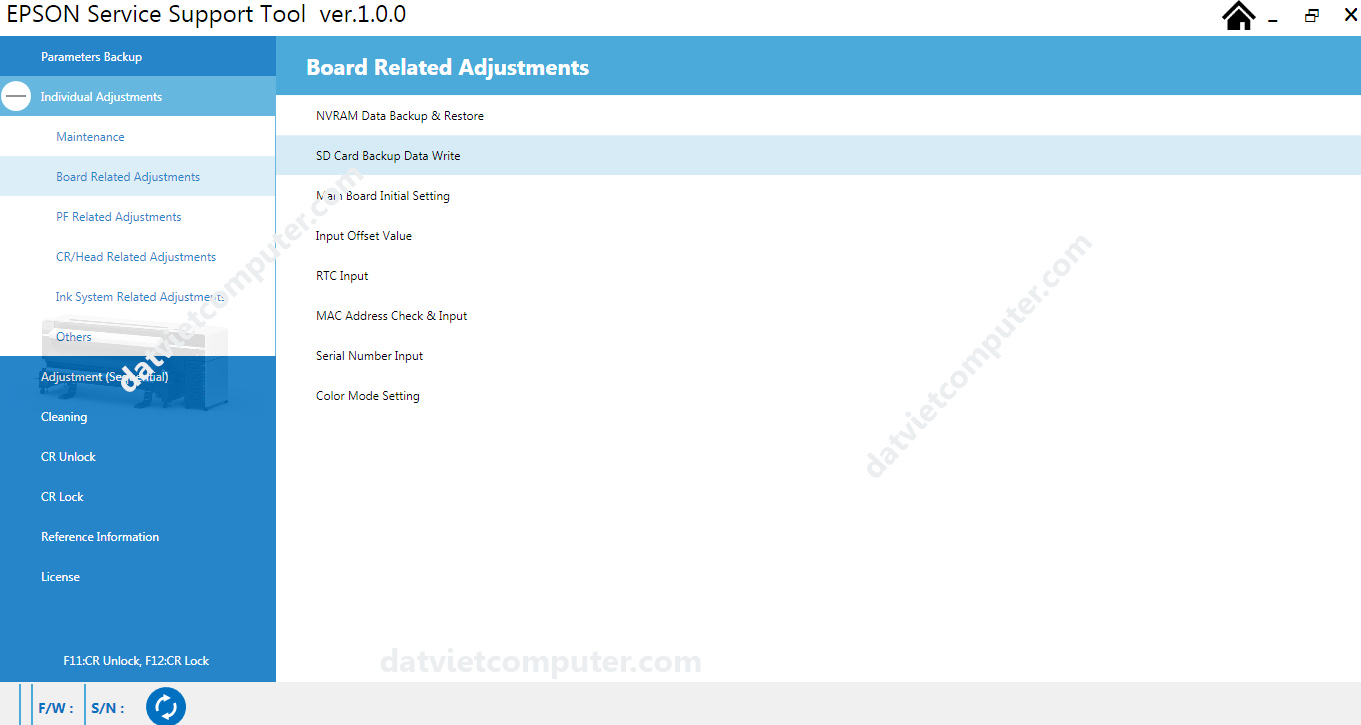
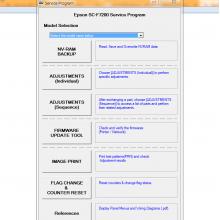
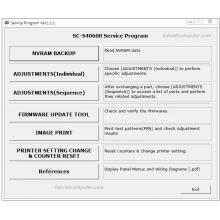
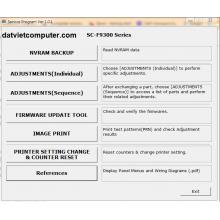
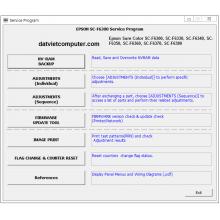
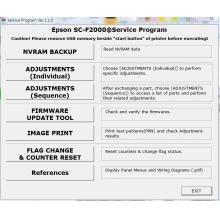
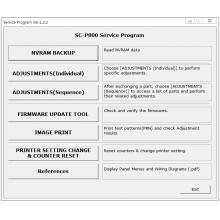
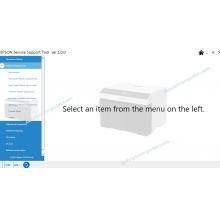
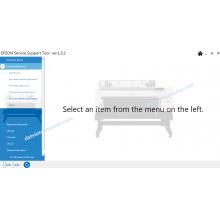
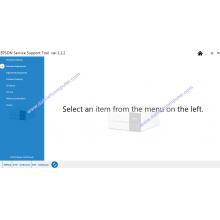
Sequential Adjustment
Cleaning
Printhead Cleaning
CR Unlock / CR Lock
System Reference Information
License
F11: CR Unlock / F12: CR Lock
Keyboard shortcuts to unlock/lock the print carriage
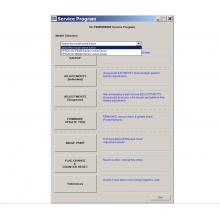
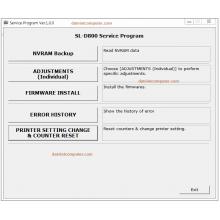
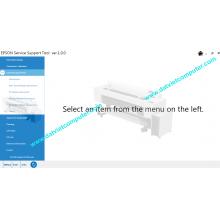
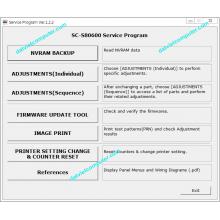
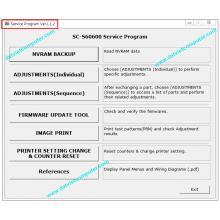
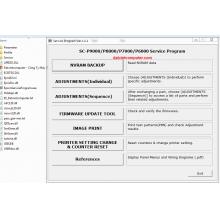
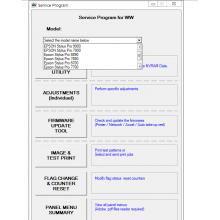
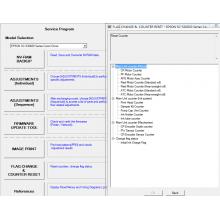
Individual Adjustments
1. Maintenance
Sensor Check – Verification of the status of all sensors
Heater Check – Verification of the heating (drying) system
2. Board Related Adjustments
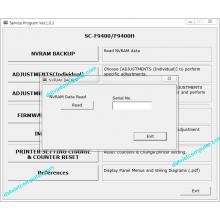
NVRAM Data Backup & Restore – NVRAM data backup and restore
SD Card Backup Data Write – Writing backup data to an SD card
Main Board Initial Setting – Initial motherboard configuration
Input Offset Value – Manual input of offset values
RTC Input – System date and time correction (Real Time Clock)
MAC Address Check & Input – MAC address verification and input
Serial Number Input – Plotter serial number entry
Color Mode Setting – Color mode setting
3. Paper Feed Related Adjustments
4. Print Head/Carriage Related Adjustments
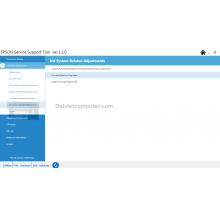
5. Ink System Related Adjustments ink)
6. Others (Other functions)
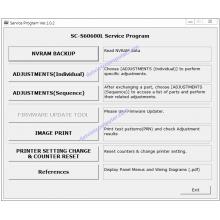
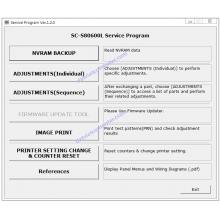
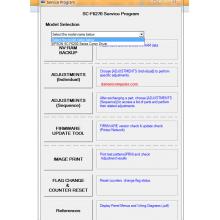
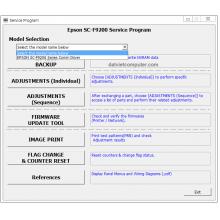
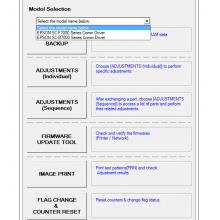
COMPLETE MAIN FUNCTIONS
Parameters Backup
Full backup of plotter parameters
Individual Adjustments
1. Maintenance
Sensor Check – Verification of the status of all sensors
Heater Check – Heating (drying) system verification
2. Board Related Adjustments
NVRAM Data Backup & Restore – NVRAM data backup and restore
SD Card Backup Data Write – Writing backup data to SD card
Main Board Initial Setting – Initial configuration of the motherboard
Input Offset Value – Manual entry of offset values
RTC Input – System Date and Time Correction (Real Time Clock)
MAC Address Check & Input – MAC address verification and input
Serial Number Input – Plotter serial number entry
Color Mode Setting – Color Mode Settings
3. PF Related Adjustments (Paper feed adjustments)
4. CR/Head Related Adjustments (Carriage/Head Adjustments)
5. Ink System Related Adjustments
6. Others (Other functions)
Adjustment (Sequential) – Sequential adjustment
Cleaning – Printhead Cleaning
CR Unlock / CR Lock – Unlocking / locking the carriage
Reference Information – System Reference Information
License – Software license information
F11: CR Unlock / F12: CR Lock – Keyboard shortcuts to unlock/lock carriage
FEATURED FUNCTION: ERROR 0014BD RESET
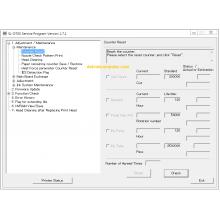
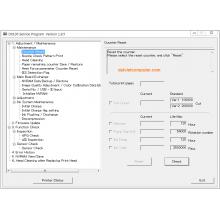
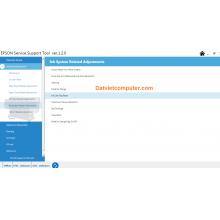
Ink Leak Flag Reset – Ink Leak Flag Reset
What does it do?
It resets the ink spill detection flag. It resolves error 0014BD.
Specification Detail
Estimated time Approximately 1 minute
Startup mode Inspection Mode
Standard value None
Procedure:
IMPORTANT: Before resetting, you must physically clean the sensors under the ink pump.
Click the [Execute] button to reset the flag.
Restart the plotter and confirm that error 0014BD has disappeared.
Note: If the error persists after cleaning the sensors and resetting, there may be physical damage to the sensors or the motherboard.
Installation Requirements
Operating system: Windows (preferably 10 or 11). Compatible with XP, 7, 8 – XP SP3 32/64-bit compatibility mode.
Not compatible with Mac.
Connection: USB cable
Drivers: You must keep the original plotter drivers installed.
License: 1 license per PC . Cannot be installed on more than one computer.
Need licenses for multiple computers? Contact us for wholesale pricing.













 © 2026 Máy Tính Đất Việt .Máy Tính Đất Việt.
 Địa chỉ : Số 10, Ngõ 209 An Dương Vương ,Q.Tây Hồ, TP.Hà Nội
  Tel: 02462.958.448
  E-mail: Datvietcomputervn@gmail.com
 FB Datvietcomputer
 phuongdong203
 Datviet
 : buidong390




Đánh giá
Nhận xét - Đánh giá