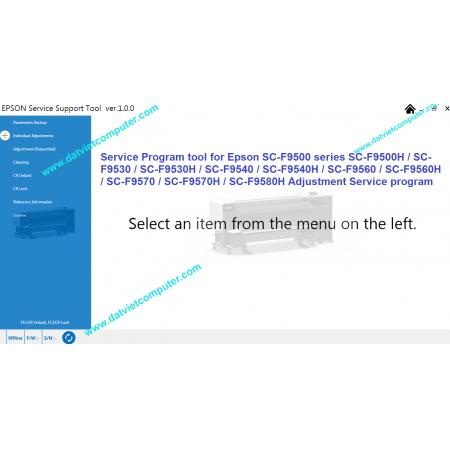
Service Program tool for Epson SC-F9500 / SC-F9500H / SC-F9530 / SC-F9530H / SC-F9540 / SC-F9540H / SC-F9560 / SC-F9560H / SC-F9570 / SC-F9570H / SC-F9580H
- Download file : https://mega.nz/file/rht0mIra
Service Support Tool Epson SC-F9500, SC-F9500H for SC-F9530, SC-F9530H, SC-F9540, SC-F9540H, SC-F9560, SC-F9560H, SC-F9570
Service Support Tool Epson SC-F9500, SC-F9500H – Professional Maintenance and Adjustment Software
The Service Support Tool Epson SC-F9500 and SC-F9500H is a professional maintenance and service utility designed for Epson's latest generation of industrial dye-sublimation printers. This advanced software enables technicians, service centers, and printer owners to perform maintenance operations, reset life counters, initialize printer components, and diagnose hardware issues without requiring expensive onsite service visits.
The utility supports the following Epson SureColor models:
- Epson SC-F9530
- Epson SC-F9530H
- Epson SC-F9540
- Epson SC-F9540H
- Epson SC-F9560
- Epson SC-F9560H
- Epson SC-F9570
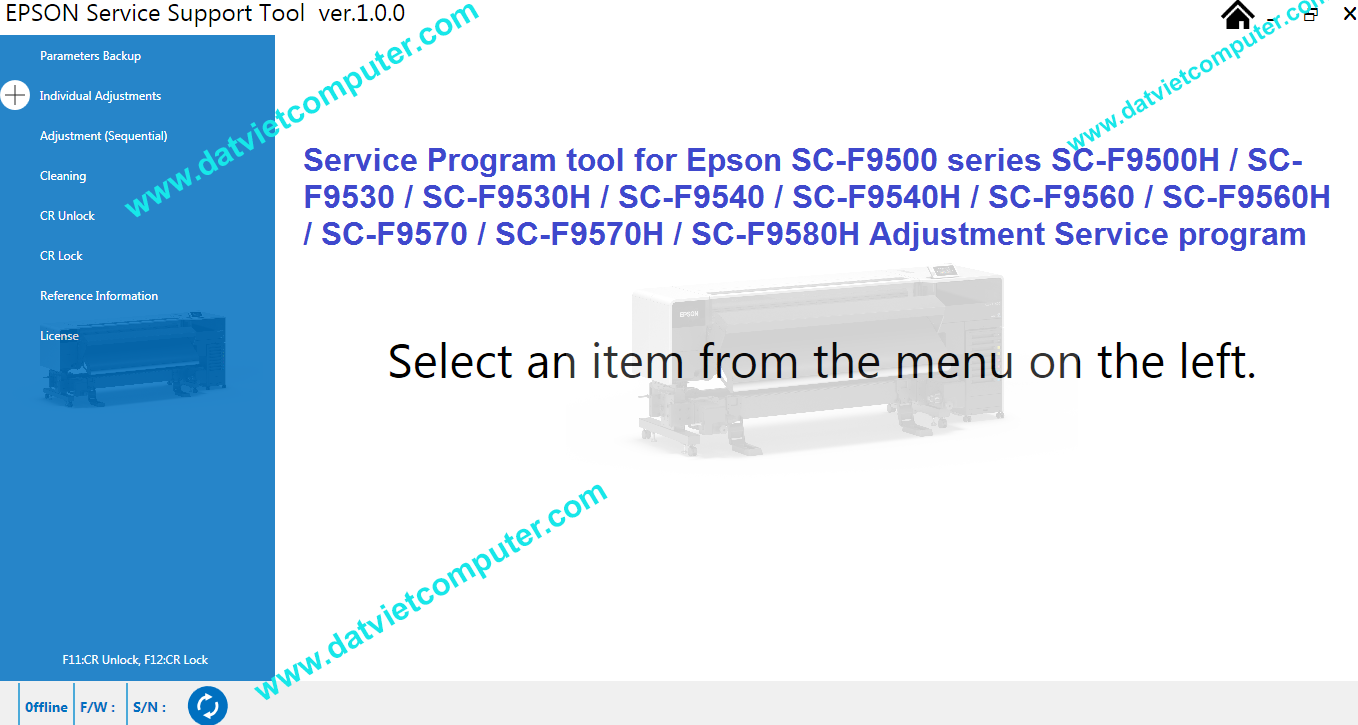
These printers belong to Epson’s newest 64-inch dye-sublimation production series and are designed for textile printing, sportswear production, soft signage, promotional products, and industrial transfer printing applications. Epson introduced the F9500 series as the successor to the previous F9400 generation, offering improved productivity, enhanced color capabilities, and advanced maintenance functions.
What Is Epson Service Support Tool?
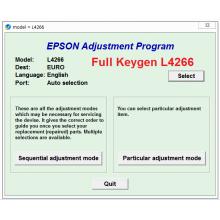
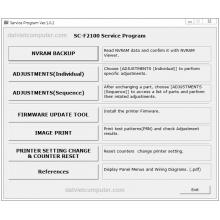
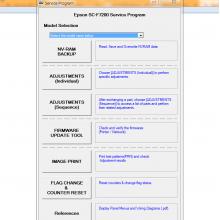
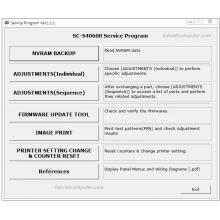
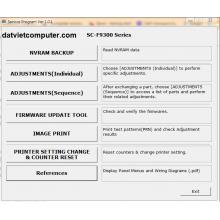
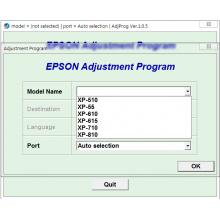
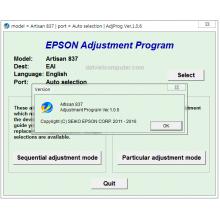
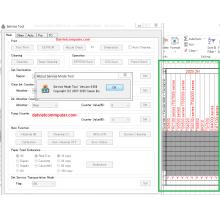
The Epson Service Support Tool is an official-style maintenance software package used by service technicians to access hidden service menus and perform advanced printer adjustments.
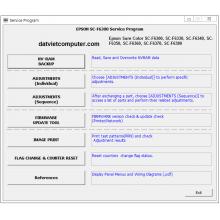
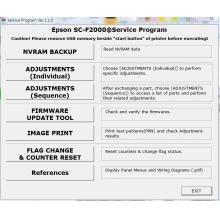
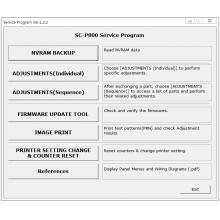
Unlike ordinary printer drivers, this utility communicates directly with the printer's service firmware and allows users to:
Read printer status information
Reset maintenance counters
Initialize replacement parts
Perform service adjustments
Execute cleaning and maintenance functions
Read EEPROM data
Diagnose hardware errors
Export printer service information
Restore printer operation after maintenance
The software is especially useful when the printer displays maintenance warnings or refuses to print because a component life counter has reached its programmed limit.












 © 2026 Máy Tính Đất Việt .Máy Tính Đất Việt.
 Địa chỉ : Số 10, Ngõ 209 An Dương Vương ,Q.Tây Hồ, TP.Hà Nội
  Tel: 02462.958.448
  E-mail: Datvietcomputervn@gmail.com
 FB Datvietcomputer
 phuongdong203
 Datviet
 : buidong390




Đánh giá
Nhận xét - Đánh giá