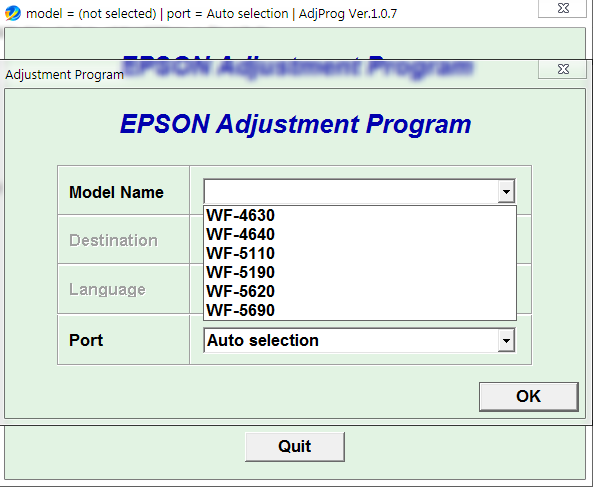
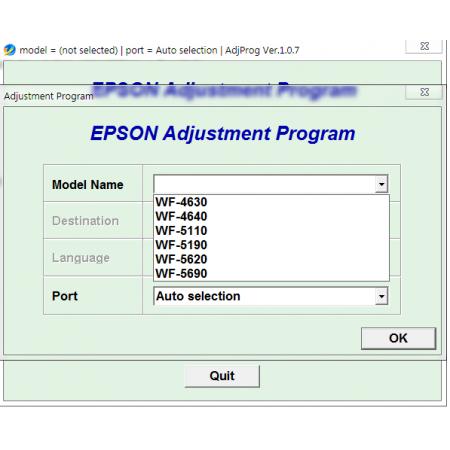
The Epson WF-4630, WF-4640, WF-5110, WF-5190, WF-5620, and WF-5690 Adjustment Program is a specialized service utility designed to help technicians perform maintenance, adjustment, and certain service operations on compatible Epson WorkForce printers. It is commonly used when standard printer software cannot resolve specific maintenance-related issues.
For Epson printer technicians and service centers, an Adjustment Program can provide access to service functions that are normally unavailable through the regular Epson printer driver or user control panel.
What Is the Epson Adjustment Program?
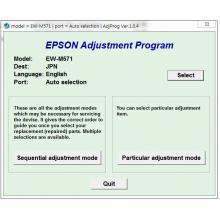
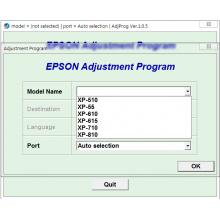
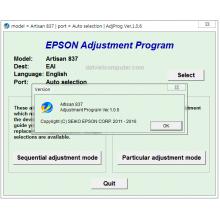
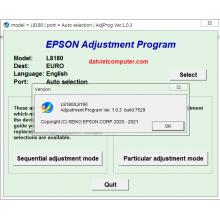
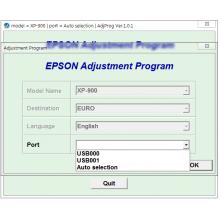
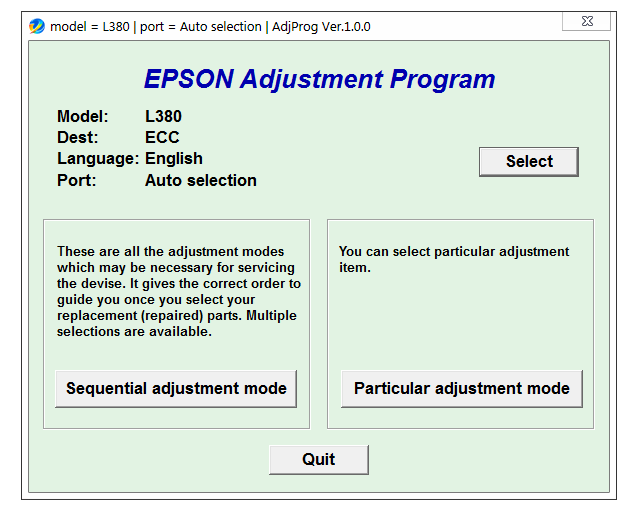
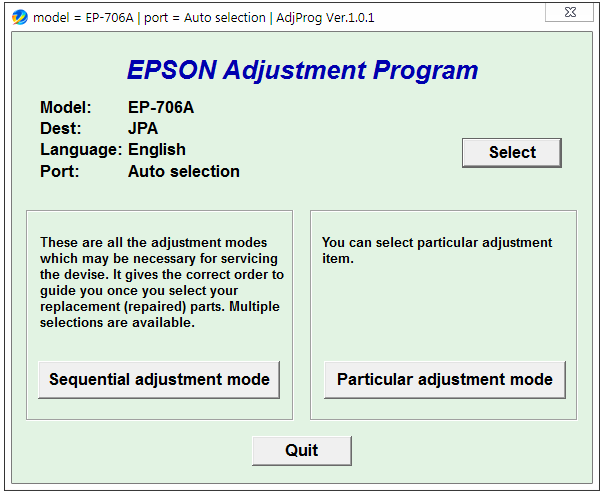
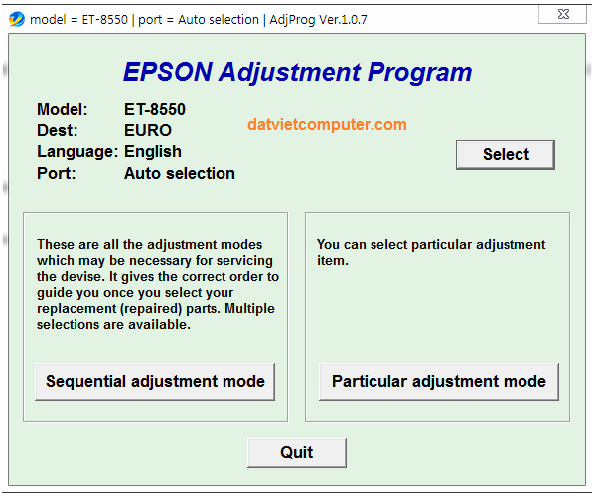
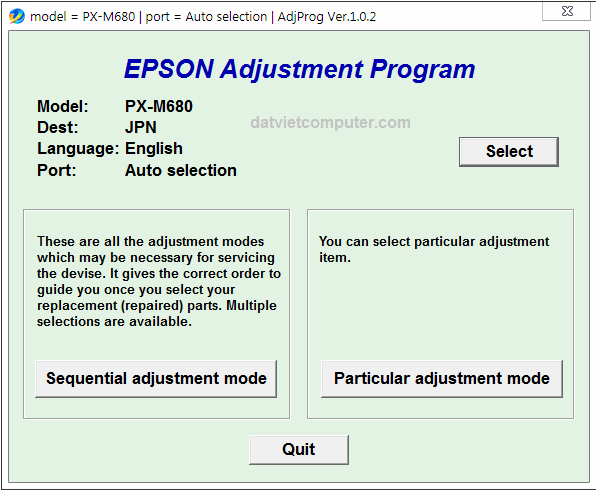
The Epson Adjustment Program is a service-level utility intended for printer maintenance and configuration. Depending on the printer model and software version, it may provide functions such as printer status checking, initialization, adjustment procedures, and maintenance-related operations.
The supported models covered by this service utility include:
-
Epson WorkForce WF-4630
-
Epson WorkForce WF-4640
-
Epson WorkForce WF-5110
-
Epson WorkForce WF-5190
-
Epson WorkForce WF-5620
-
Epson WorkForce WF-5690
These multifunction and business-oriented Epson WorkForce models are designed for office environments, and service utilities can be useful when performing technical maintenance.
Epson WF-4630 Adjustment Program
The Epson WF-4630 Adjustment Program is intended for service and maintenance operations on the Epson WorkForce WF-4630. It may provide access to diagnostic and adjustment functions required during printer servicing.
Before using any service utility, technicians should verify that the software version is compatible with the exact printer model and regional variant.
Epson WF-4640 Adjustment Program
The Epson WF-4640 Adjustment Program is a service utility for the Epson WorkForce WF-4640. It can be used by qualified technicians to perform supported maintenance and adjustment procedures.
The WF-4640 is an office multifunction printer, so correct service procedures are important when troubleshooting hardware or printer maintenance problems.
Epson WF-5110 Adjustment Program
The Epson WF-5110 Adjustment Program is designed for service operations on the Epson WorkForce WF-5110. It may help technicians access maintenance functions that are not available from the normal printer driver.
Because service software can modify printer settings, it is recommended to carefully check the model number and connection before starting any adjustment procedure.
Epson WF-5190 Adjustment Program
The Epson WF-5190 Adjustment Program is used for supported service and adjustment functions on the Epson WorkForce WF-5190.
The utility is particularly relevant to printer repair technicians who need to perform maintenance procedures beyond the options available through the standard Epson printer interface.
Epson WF-5620 Adjustment Program
The Epson WF-5620 Adjustment Program provides service-related functions for the Epson WorkForce WF-5620. Depending on the specific program version, available functions can vary.
Technicians should always use a version specifically intended for the WF-5620 and follow the appropriate service procedure.
Epson WF-5690 Adjustment Program
The Epson WF-5690 Adjustment Program is a service utility associated with the Epson WorkForce WF-5690. It may be used for supported diagnostic, maintenance, and adjustment operations.
The WF-5690 is a multifunction business printer, making proper service procedures important for maintaining reliable operation.
Main Functions of an Epson Adjustment Program
Depending on the software version and printer model, an Epson Adjustment Program may include several service functions, such as:
-
Printer information and status checking
-
Service diagnostics
-
Printer adjustment procedures
-
Initialization of selected settings
-
Maintenance-related functions
-
Communication and service testing
-
Configuration and adjustment operations
Important: Available functions are not necessarily identical across all six models. The exact options depend on the specific Adjustment Program version and printer firmware.
How to Use the Epson WF Series Adjustment Program
A typical service workflow is:
-
Connect the Epson printer to a Windows computer using a compatible USB connection.
-
Install or run the appropriate Adjustment Program.
-
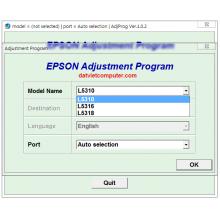
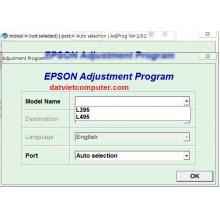
Select the correct printer model.
-
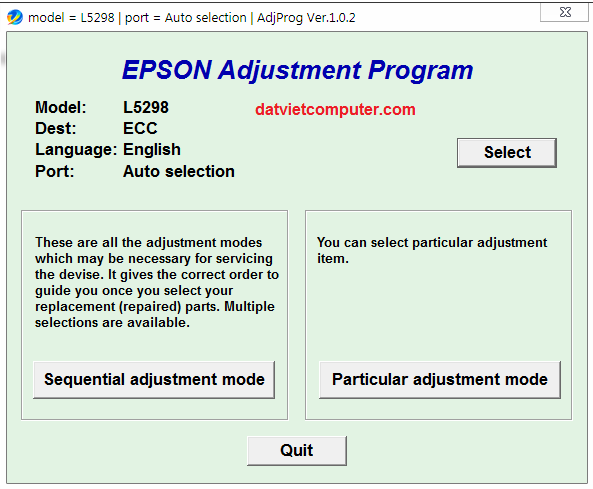
Verify that the printer is detected correctly.
-
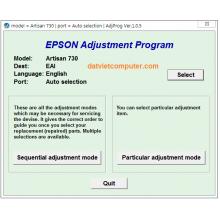
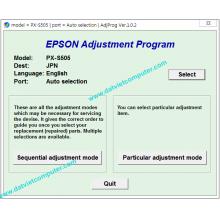
Select the required service or adjustment function.
-
Follow the instructions displayed by the service utility.
-
Allow the operation to finish without disconnecting the printer.
-
Restart the printer if the service procedure requires it.
-
Print a test page and check printer operation.
Always create a backup of important settings where possible before performing service-level operations.
Important Precautions
The Epson Adjustment Program is different from a normal printer driver. Incorrect use of service functions can potentially change printer settings or cause unexpected printer behavior.
Before using the software:
-
Confirm the exact Epson model.
-
Check the software version and compatibility.
-
Use a stable USB connection when required.
-
Keep the printer powered on during service operations.
-
Do not interrupt the program while an adjustment is in progress.
-
Use service functions only when necessary.
-
Follow the appropriate technical documentation for the printer.
If a printer has a hardware fault, replacing or repairing the defective component may be necessary. An Adjustment Program should not be considered a substitute for hardware repair.
Epson WF-4630 / WF-4640 / WF-5110 / WF-5190 / WF-5620 / WF-5690 Service Tool
Searching for the correct Epson WF Series Adjustment Program requires attention to the exact printer model. Although these models belong to the Epson WorkForce family, service functions and software compatibility can differ between models and regional versions.
For this reason, technicians should avoid assuming that one Adjustment Program version will work with every Epson WF model listed above.
Conclusion
The Epson WF-4630, WF-4640, WF-5110, WF-5190, WF-5620, WF-5690 Adjustment Program is a service-oriented utility used for supported printer diagnostics, maintenance, and adjustment procedures. It can be useful for technicians and professional printer repair centers working with compatible Epson WorkForce models.














 © 2026 Máy Tính Đất Việt .Máy Tính Đất Việt.
 Địa chỉ : Số 10, Ngõ 209 An Dương Vương ,Q.Tây Hồ, TP.Hà Nội
  Tel: 02462.958.448
  E-mail: Datvietcomputervn@gmail.com
 FB Datvietcomputer
 phuongdong203
 Datviet
 : buidong390




Đánh giá
Nhận xét - Đánh giá